
Streaming Netflix shows and movies that are unavailable in your region is easier than ever — thanks to VPNs. Whether you want to watch US-exclusive titles, access the UK library, or protect your privacy while streaming, a reliable VPN is your go-to solution.
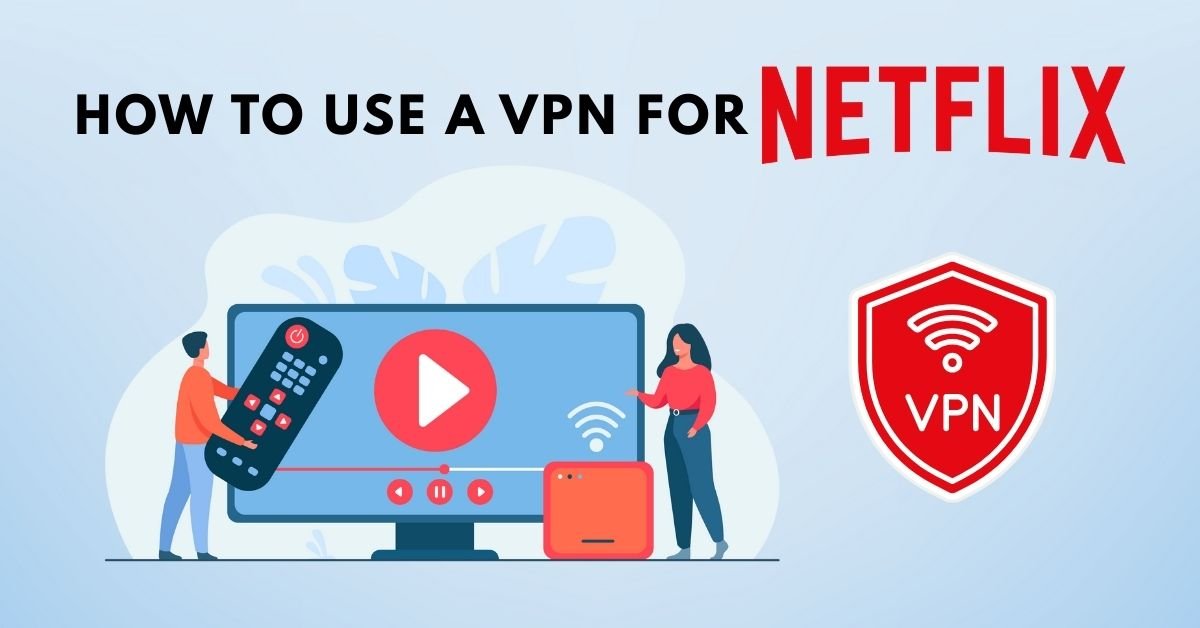
But how exactly do you use a VPN for Netflix? And more importantly, which VPNs work without showing you that dreaded “Netflix proxy error”?
In this complete guide from VPN AdWiser, you’ll learn:
- What a VPN does for Netflix
- How to set it up on any device
- Tips to avoid VPN blocks
- Recommended VPNs that work with Netflix in 2025
Let’s get started.
Why Use a VPN for Netflix?
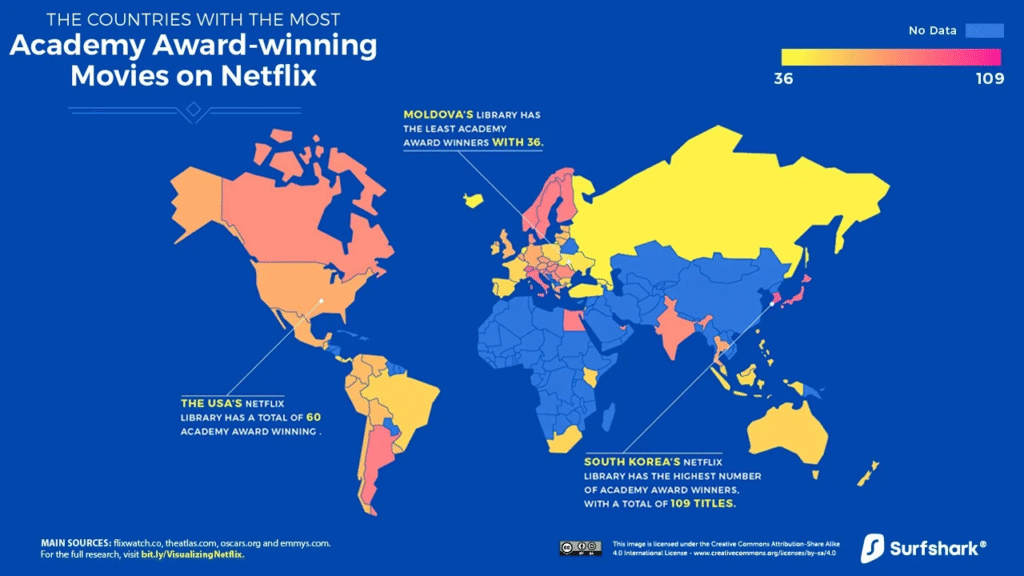
Netflix has different content libraries for each country. For example:
- US Netflix has more Hollywood blockbusters
- UK Netflix includes more BBC and ITV content
- Japan Netflix has exclusive anime titles
A VPN (Virtual Private Network) helps you change your IP address, making it look like you’re accessing Netflix from another country.
Benefits of Using a VPN for Netflix
- ✅ Unlock more Netflix libraries globally
- ✅ Access region-exclusive movies and TV shows
- ✅ Bypass local censorship or ISP restrictions
- ✅ Enhance your online privacy and security
Does Netflix Allow VPNs?
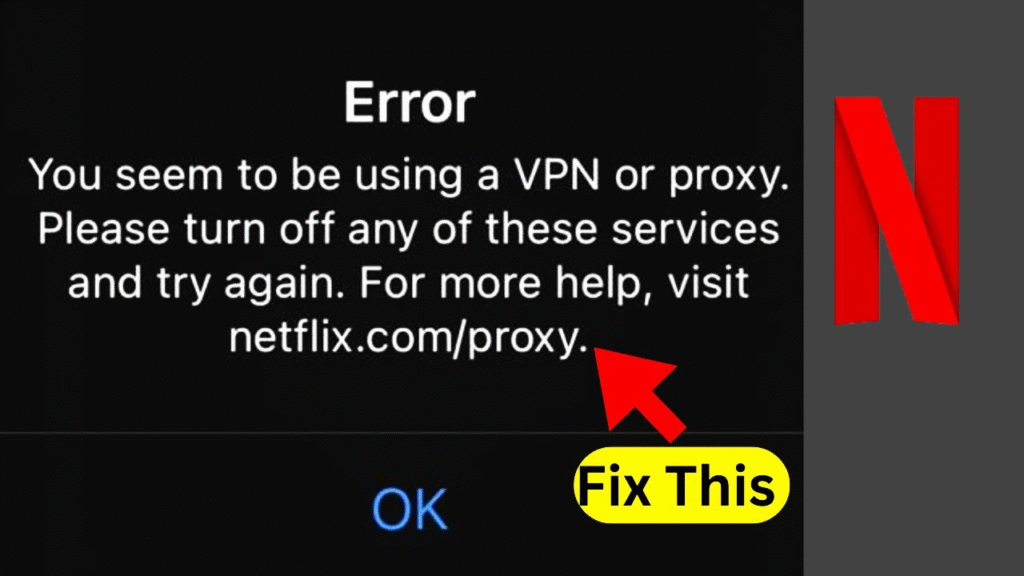
Not officially. Netflix tries to block VPN IPs to comply with licensing agreements. If you use a weak or free VPN, you’ll likely see this message:
“You seem to be using an unblocker or proxy. Please turn off any of these services and try again.”
But don’t worry — some premium VPNs still work with Netflix, and we’ll show you how to use them effectively.
Step-by-Step: How to Use a VPN for Netflix
Using a VPN with Netflix is easy when you follow these simple steps.
Step 1: Choose a VPN That Works with Netflix
Not all VPNs are created equal. You need one with:
- Dedicated streaming servers
- Fast speeds
- IP refresh capabilities
- Proven history of bypassing Netflix blocks
Top VPNs that work with Netflix in 2025:
- NordVPN
- ExpressVPN
- Surfshark
- CyberGhost
- Private Internet Access (PIA)
Step 2: Install the VPN on Your Device
Most VPNs support:
- Windows/Mac
- Android/iOS
- Smart TVs
- Firestick/Roku
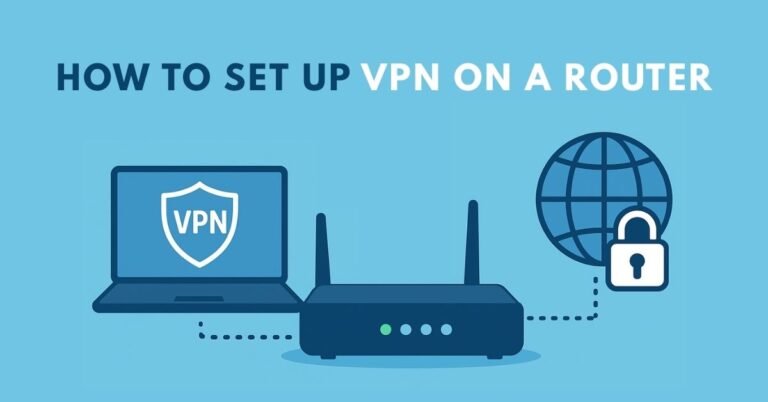
- Gaming consoles (via router)
Go to your VPN provider’s website or app store to download and install the app.
Step 3: Connect to a Server in the Desired Country
For example:
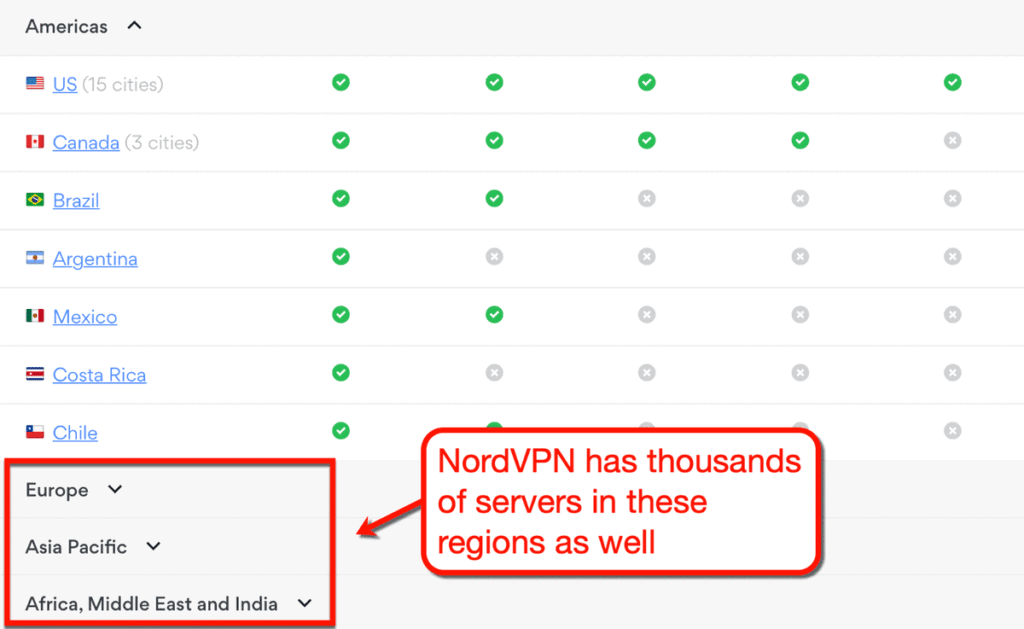
- Want to watch US Netflix? Connect to a US server
- Want to access Netflix Japan? Connect to a Japan server
Once connected, your IP address changes, and you appear as if you’re browsing from that country.
Step 4: Open Netflix and Start Streaming
Now open the Netflix app or go to netflix.com in your browser.
You should see the content library of the selected region. If not, try:
- Clearing cookies/cache
- Switching to another server
- Contacting your VPN’s live support
Pro Tips to Avoid Netflix VPN Detection
Netflix uses advanced VPN detection technology. Here’s how to avoid detection:
- Use a Premium VPN — Free VPNs rarely work.
- Choose Obfuscated or Streaming-Optimized Servers
- Clear Browser Cookies and Cache
- Try Multiple Servers in the Same Country
- Enable Kill Switch to Avoid IP Leaks
- Use a Private Browser Mode (Incognito)
Best VPNs for Netflix (2025 Tested Recommendations)
Here’s a quick comparison of VPNs that work with Netflix in 2025:
| VPN Name | Works With Netflix | Streaming Speed | Price/Month (Approx) | Simultaneous Devices |
|---|---|---|---|---|
| NordVPN | Yes (15+ regions) | Very Fast | $3.79 | 6 |
| ExpressVPN | Yes (20+ regions) | Excellent | $6.67 | 5 |
| Surfshark | Yes (15+ regions) | Fast | $2.49 | Unlimited |
| CyberGhost | Yes (10+ regions) | Good | $2.19 | 7 |
| PIA | Yes (US/UK only) | Average | $2.03 | 10 |
Devices You Can Use VPNs for Netflix On
You can use VPNs on:
- Windows & Mac (via apps)
- Android & iOS (mobile streaming)
- Firestick, Roku & Android TV (via apps or smart DNS)
- Smart TVs (via router or smart DNS)
- Gaming consoles (via router)
For Smart TVs that don’t support VPN apps, use Smart DNS or VPN on your router.
Netflix Libraries You Can Access with a VPN
Some Netflix regions are more desirable because of their larger or more exclusive content libraries.
| Country | Popular For |
|---|---|
| United States | Hollywood blockbusters, Netflix Originals |
| United Kingdom | British dramas, BBC series, comedies |
| Japan | Anime, Japanese films |
| Canada | Unique regional licenses, documentaries |
| Australia | Local content + some US/UK crossover |
Legal & Ethical Considerations
Using a VPN to access another country’s Netflix library does not break any laws, but it may violate Netflix’s Terms of Service.
However, millions of users worldwide do it without facing consequences — at most, Netflix might block the VPN IP address, which you can fix by switching servers.
Common Problems and How to Fix Them
Problem: “You seem to be using an unblocker or proxy.”
- Fix: Switch to another VPN server, clear cookies, use obfuscated servers.
Problem: Slow streaming or buffering
- Fix: Connect to a faster server, choose a closer location, or change VPN protocols.
Problem: App doesn’t open Netflix content
- Fix: Ensure your VPN supports Netflix on that platform; try Smart DNS as a workaround.
FAQ — VPN for Netflix
1. Is it legal to use a VPN for Netflix?
Yes, using a VPN is legal in most countries. However, it may go against Netflix’s terms of service.
2. Which VPN works best with Netflix?
NordVPN, ExpressVPN, and Surfshark are widely regarded as the best options for Netflix in 2025.
3. Can I use a free VPN to watch Netflix?
Most free VPNs are blocked by Netflix. They also lack speed, reliability, and privacy protections.
4. Will Netflix ban my account for using a VPN?
No. At worst, Netflix may restrict your access to content until you disconnect the VPN.
5. Can I watch US Netflix from abroad?
Yes. Just connect to a US server using a reliable VPN, and you’ll access the US Netflix library.
Final Thoughts: Is a VPN Worth It for Netflix?
Absolutely. A premium VPN unlocks Netflix’s true global value — giving you access to shows and movies that would otherwise remain hidden based on your location.
It also enhances your online privacy, lets you stream securely on public Wi-Fi, and bypasses ISP throttling.
If you’re serious about entertainment and privacy, a Netflix-compatible VPN is a must-have tool in 2025.